

Sending a digital invoice
Email a PDF receipt to the customer with one click.
After completing a payment through the cash register module, you can easily send the customer a digital invoice by email for an appointment or product purchase.
Completing the payment
- Complete the appointment or product sale through the cash register module.
- Once the payment has been recorded, the Send digital invoice option will appear.
- Click Send digital invoice to email the invoice to the customer.
- You can also click View PDF to view the invoice as a PDF.
Example
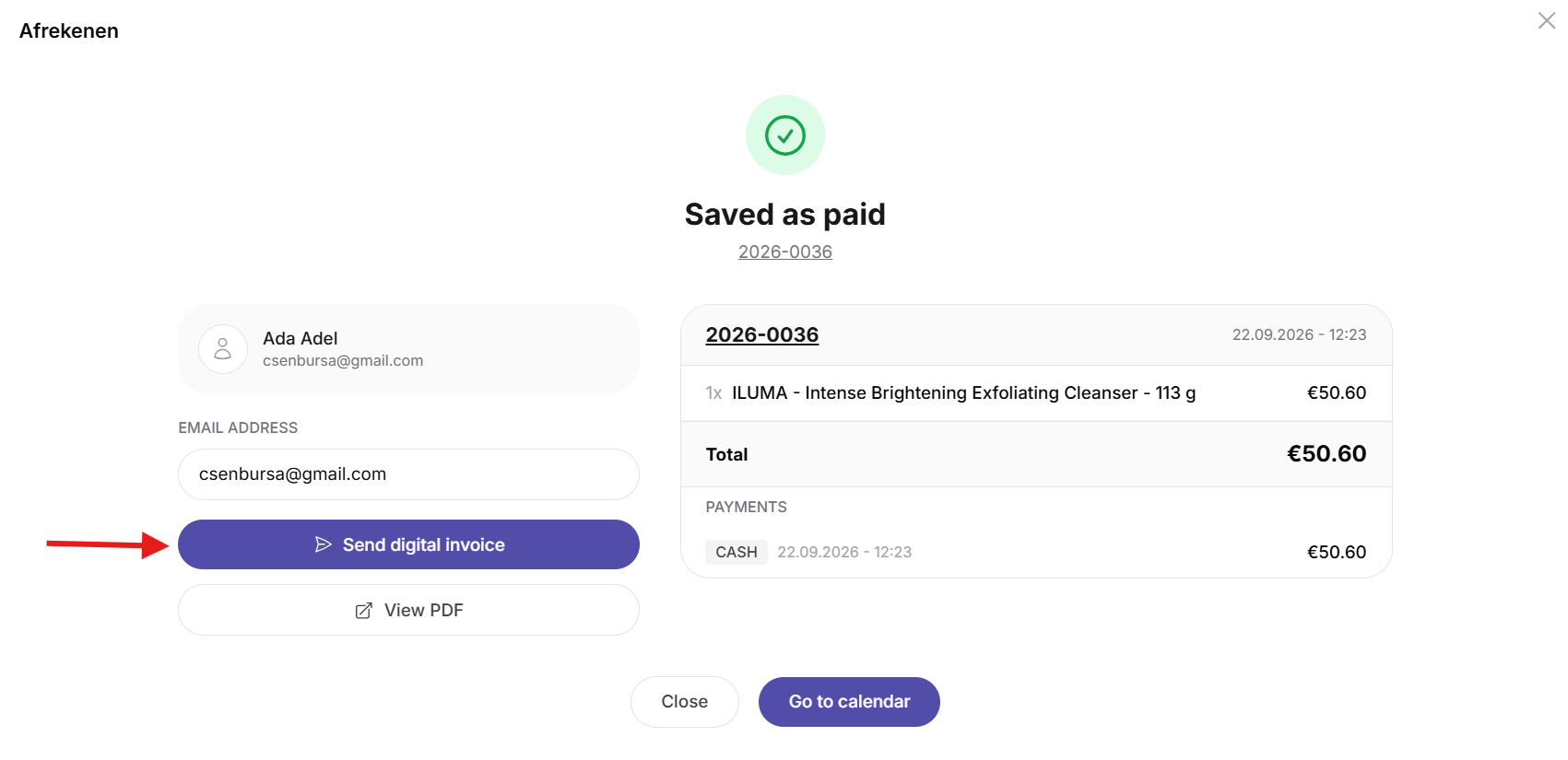
The digital invoice will be sent to the email address linked to the customer's profile.