

Customer Import & Export
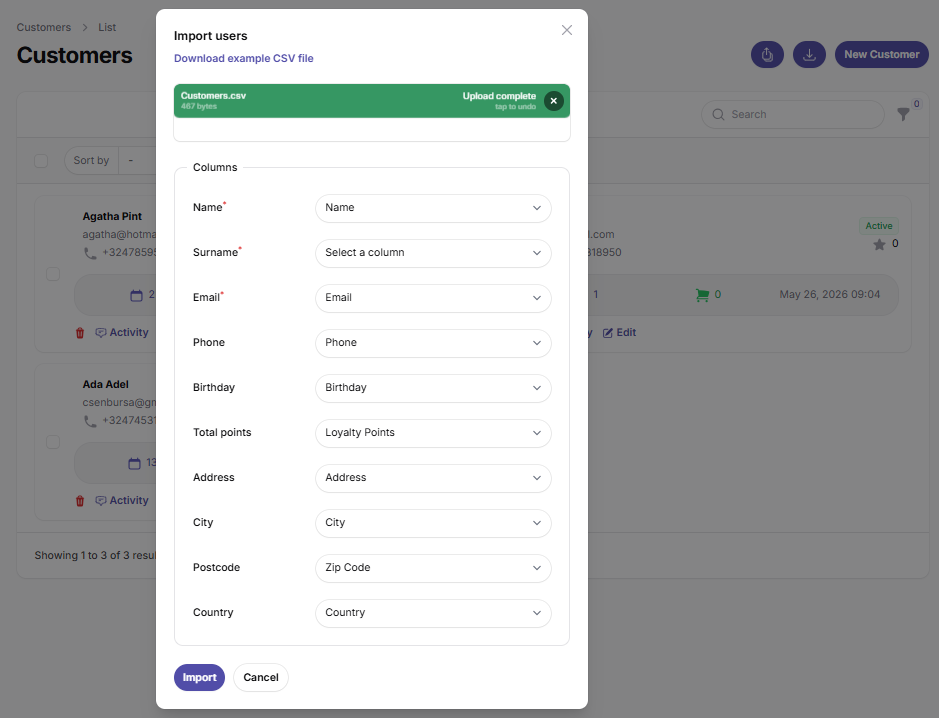
You can upload your current customer list in seconds via an Excel/CSV file using the Import feature and seamlessly transfer your historical customer data to the new platform.
Openbeauty allows you to easily export your customer data and import it back into the system whenever needed. This ensures that your data is always under your control and makes migration, reporting, and backup processes simple and efficient.
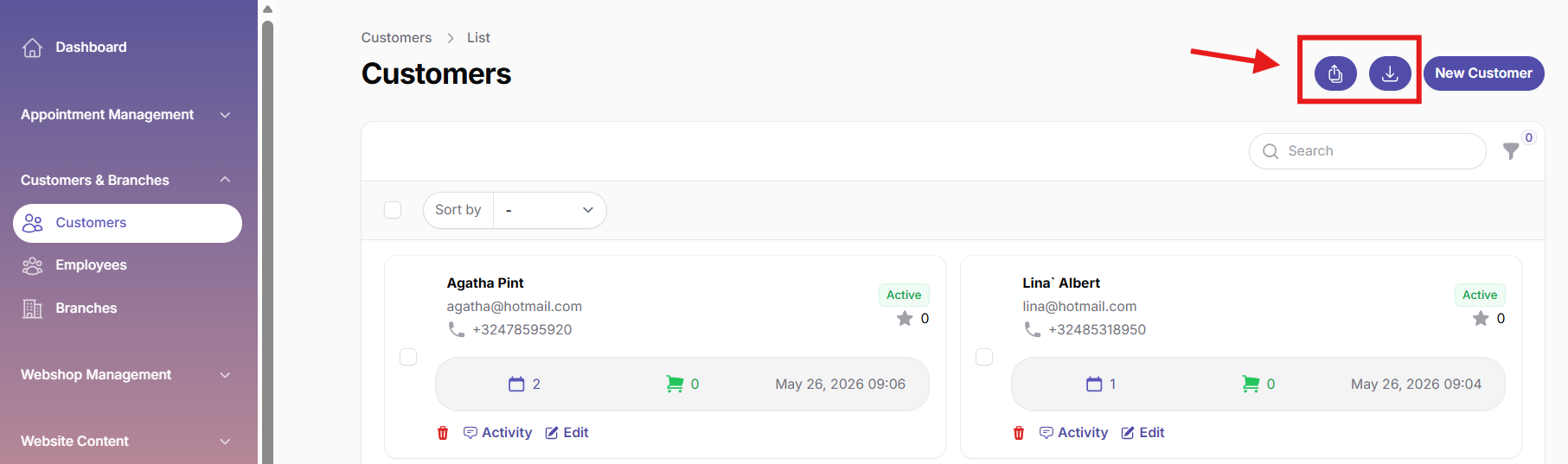
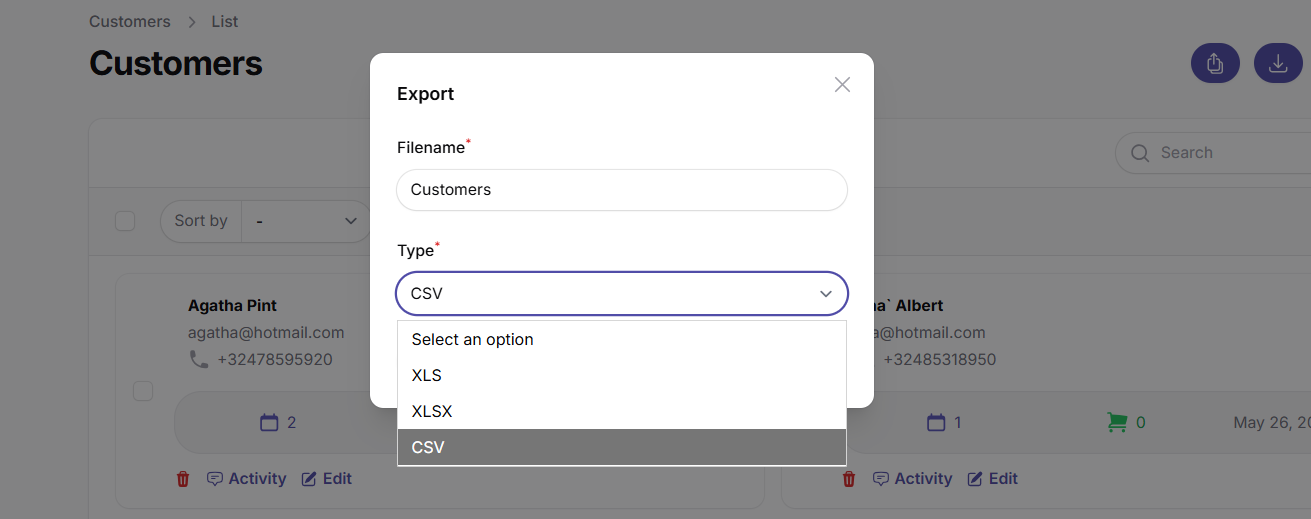
With the Export feature, you can download your entire customer list with a single click in Excel/CSV format. This allows you to use your data for reporting, analysis, or secure backups whenever needed.
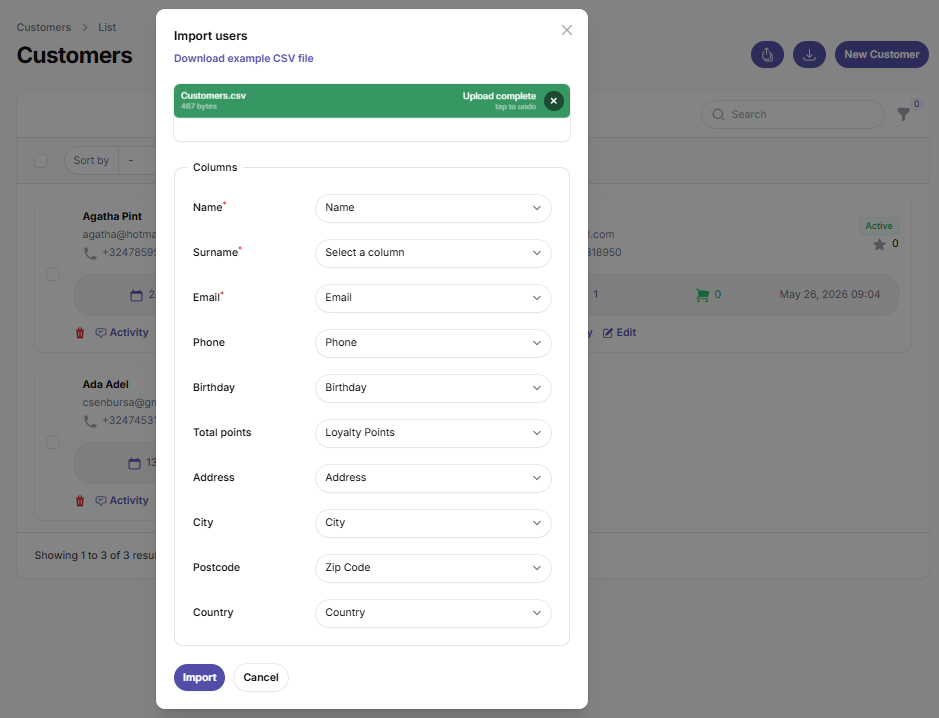
The Import feature enables you to add your existing customer data to the system without entering everything manually. You can upload your customer list via an Excel/CSV file within seconds and smoothly transfer your historical customer data into Openbeauty.
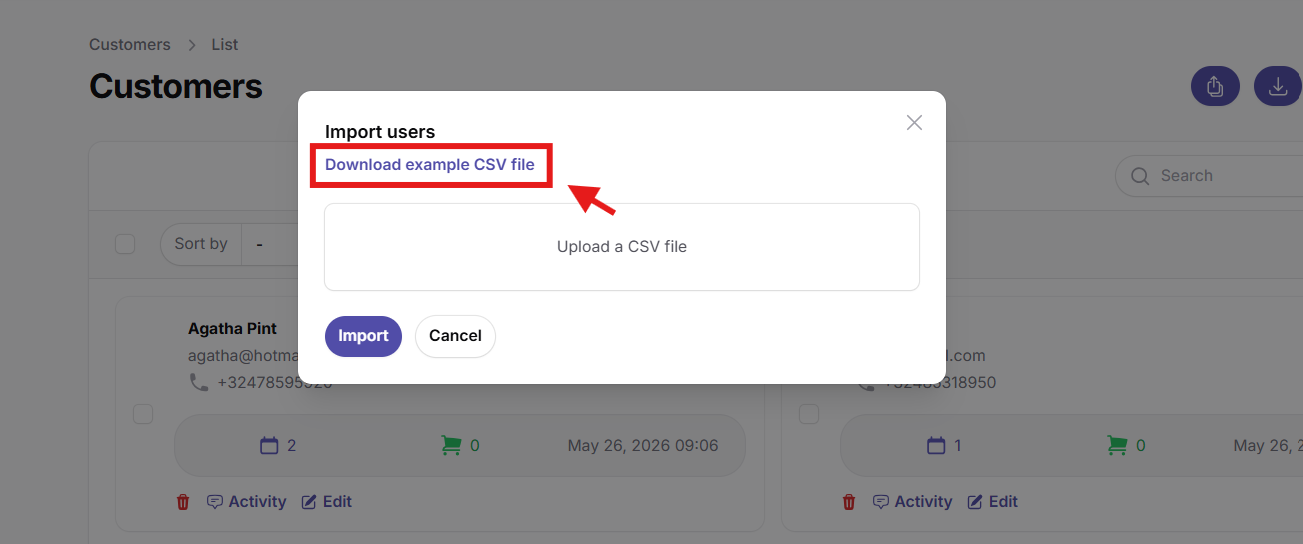
To ensure a correct import process, you can use the Download example CSV file option available in the system. This sample file shows the required column structure and data format. By preparing your customer list according to this template, you can import your data quickly and without errors.
What does this feature provide?
- One-click export of all customer data
- Bulk import of existing customer records
- Easy and error-free import using a sample CSV file
- Excel/CSV export for reporting and backups
- Time-saving bulk data management
- Secure and easily accessible customer data