Changing or cancelling your subscription
Want to change or cancel your Openbeauty subscription? You can easily manage your subscription from your account.
Want to change or cancel your Openbeauty subscription? You can easily manage your subscription from your account.
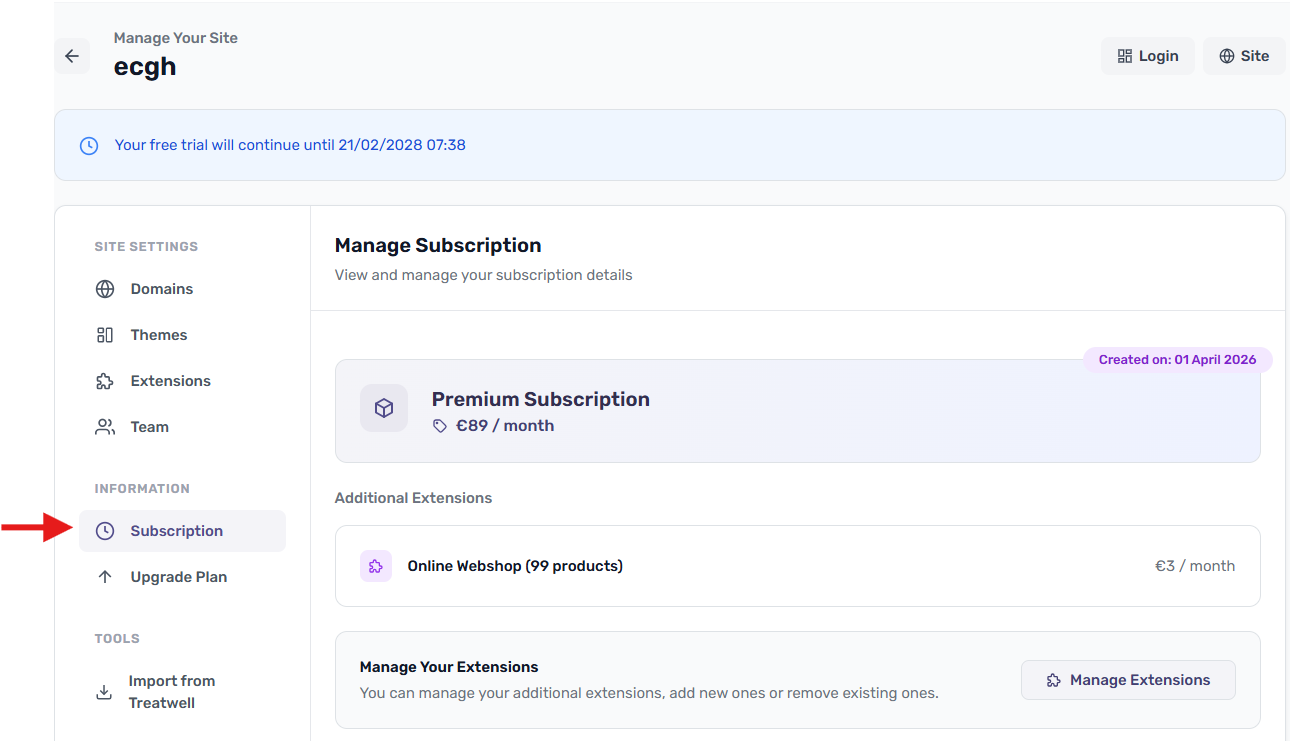
To change your subscription, go to Upgrade Plan from the account menu. Choose a different plan and confirm the change. Your new plan will take effect immediately, and your next invoice will automatically be adjusted to reflect the new plan.
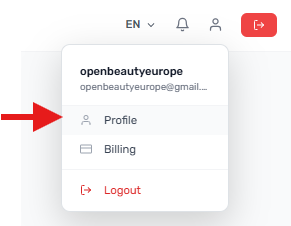
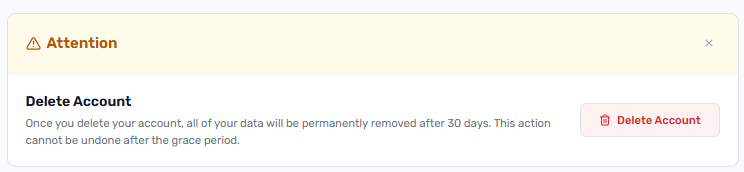
If you want to delete your Openbeauty account, go to My Profile and select the option to delete your account. After deleting your account, you have 30 days to restore it.
After cancelling your subscription, your Openbeauty account will remain accessible until the end of the period you have already paid for.