

How multi-branch works
Manage all your branches from one panel while keeping each one separate for staff, hours and prices.
Multi-Branch Management in Openbeauty
Openbeauty provides advanced multi-branch management for businesses with multiple locations. Each branch operates as a separate structure, allowing you to organize schedules, staff, and appointments in a more efficient and controlled way.
Adding a branch
To add a new branch, go to the Branches menu in the Admin Panel and click Add New Branch.

In the form, enter the following details:
- Branch name
- Address
- Phone number and email
- (Optional) Website
- Opening and closing hours
After saving, the branch will be added and ready to use.
How does the multi-branch system work?
In Openbeauty, each branch works as an independent workspace, while everything is still managed from a single dashboard.
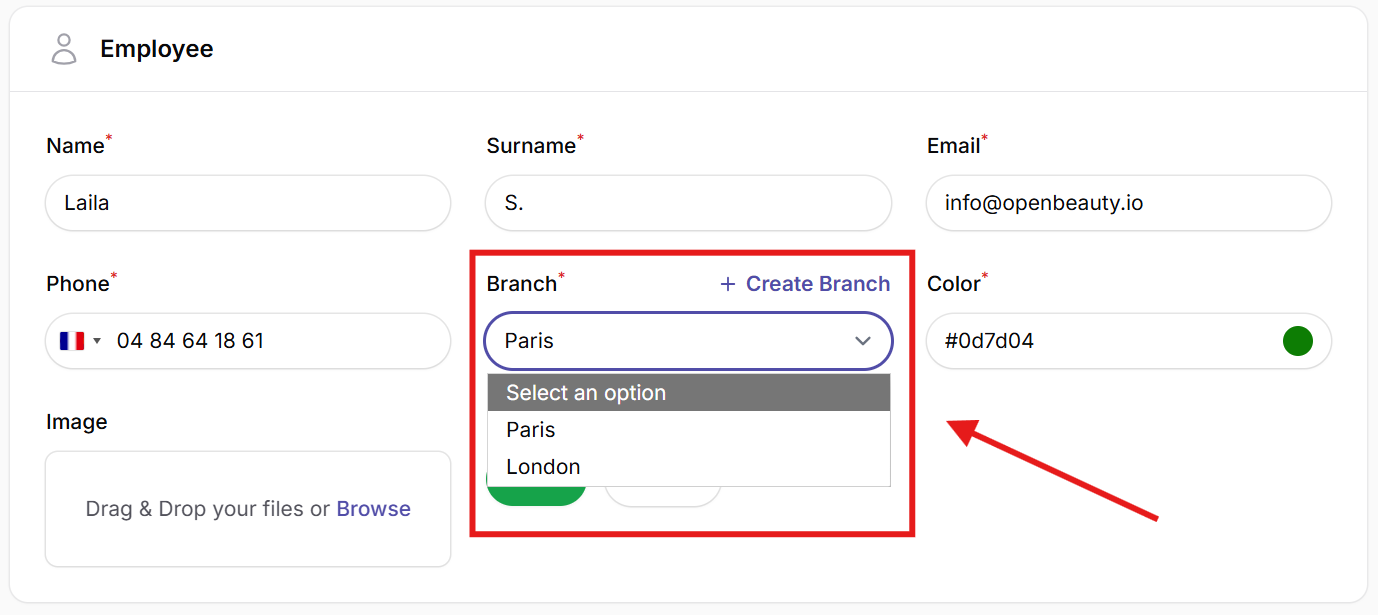
- Staff management: When adding staff, you select the branch they belong to. Staff members only see appointments and schedules for their assigned branch.
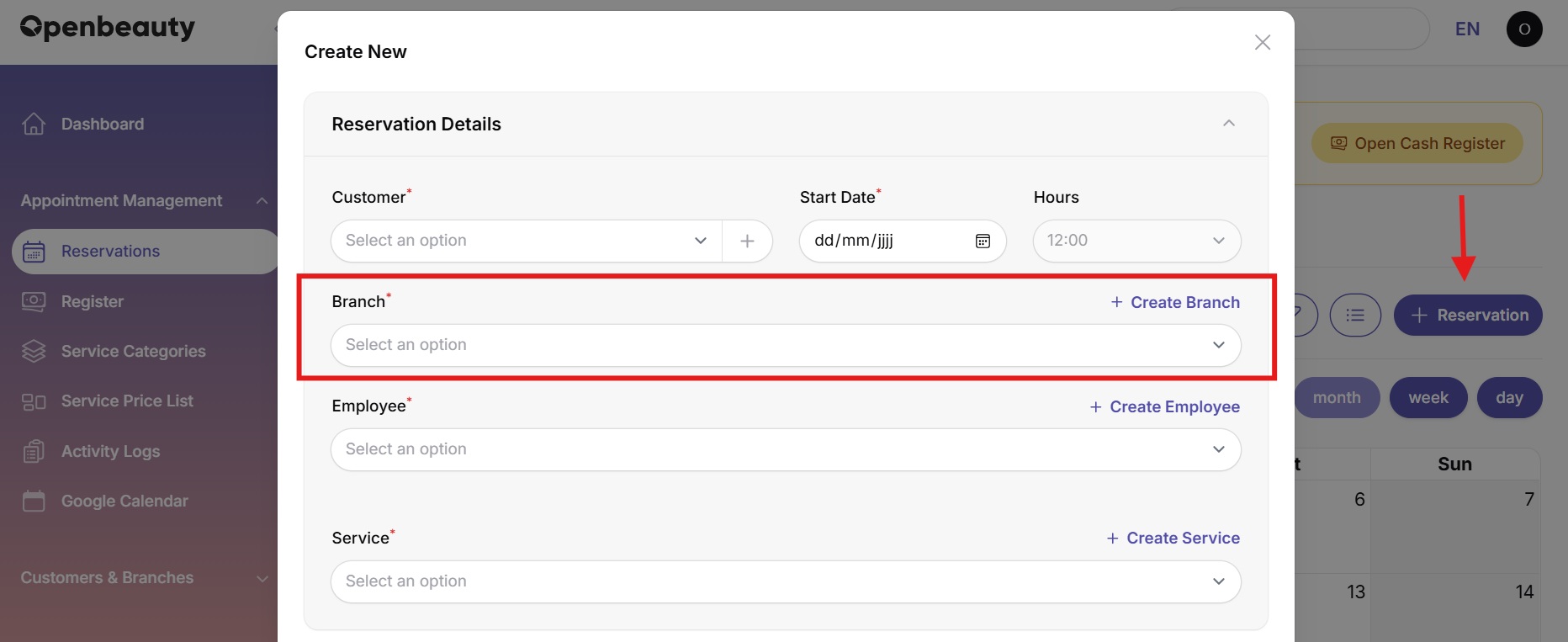
- Appointment system: Appointments are created per branch and linked to that specific location.
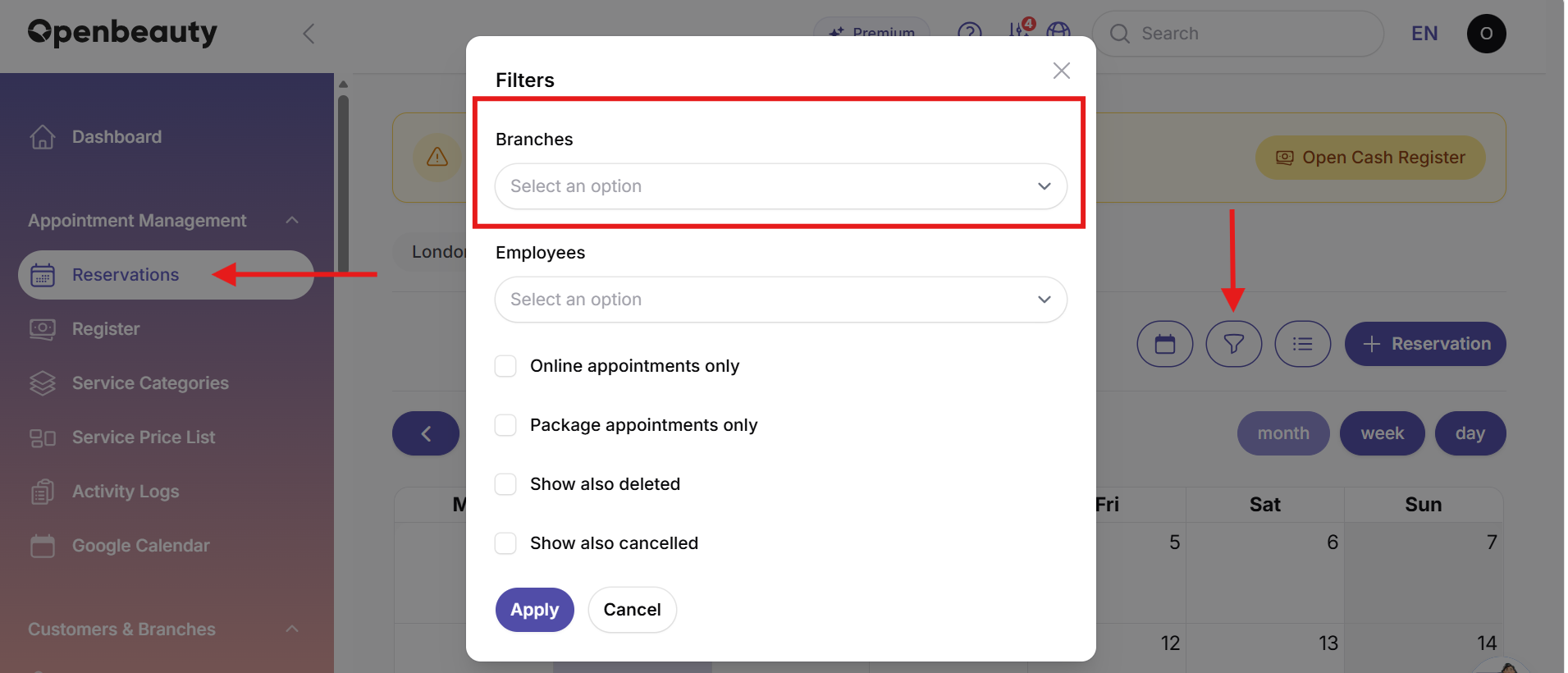
- Calendar & filtering: You can filter the calendar by branch to view only relevant appointments.
- Central control: All branches can still be managed from one unified admin panel.
Default (Main) branch
In Openbeauty, one branch can be set as the default (main) branch.
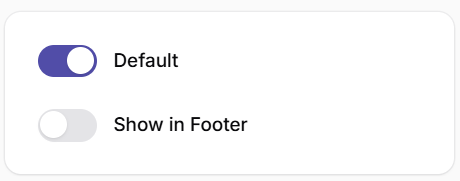
The default branch:
- Acts as the primary reference branch in the system
- Can be automatically selected for new operations
- Can be changed anytime when needed
Website & footer branch settings
Openbeauty also supports branch-based website configuration.
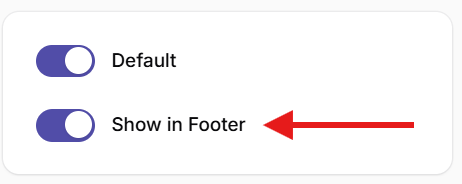
- You can choose which branch information is displayed in the website footer
- Address, phone, and contact details are automatically shown based on the selected branch
- This ensures that the website always displays the correct location information
Benefits
- Organized structure per branch
- Clear separation between locations
- No confusion in staff and appointments
- Correct branch info on website
- Fully centralized management