

Custom pages
Create About, Privacy, and custom pages to make your website truly yours.
Create and manage your own website pages
More freedom for your website. More possibilities for your salon.
With the Openbeauty Website Builder, you can easily create additional pages for your salon website. Whether you want to showcase your salon, highlight a specific treatment, promote an offer or share practical information, you decide what your visitors see.
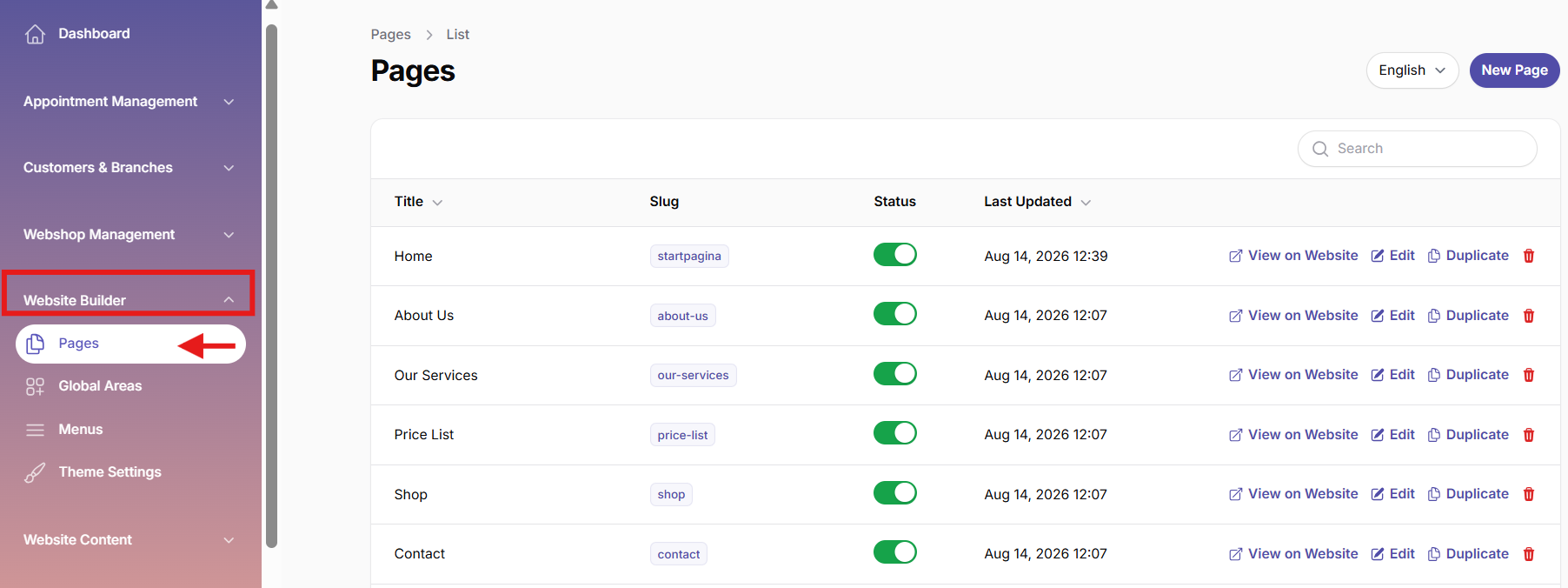
Create new pages with ease
Go to Pages in the Website Builder to create a new page in just a few steps. Give your page a clear title and add your content using the easy-to-use rich editor. No technical knowledge is required. Simply add text and sections and build your page exactly the way you want it.
Give every page its own URL
Each page gets its own clean and professional URL within your salon website. This makes it easy to direct visitors straight to the information they are looking for.
Manage all your pages in one place
With Openbeauty, you have full control over your website pages. You can edit, duplicate or delete pages whenever you need to. Want to use an existing page as a starting point for a new one? Simply use Duplicate instead of starting from scratch.

Decide how your page looks and works
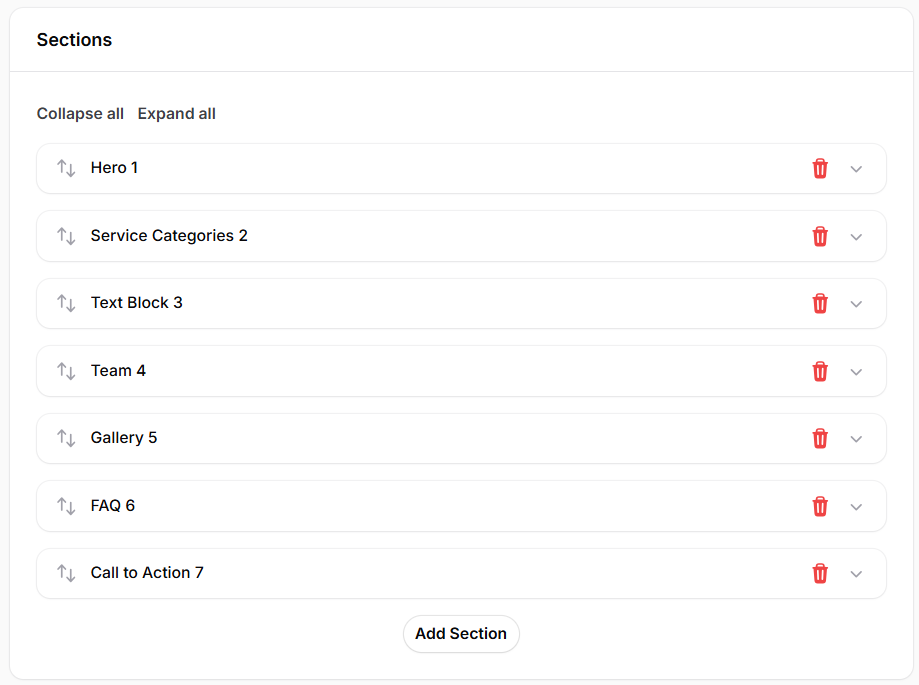
Build your pages using different sections to create a clear and attractive layout. Add new sections, edit existing content and arrange everything in the order that works best for you.
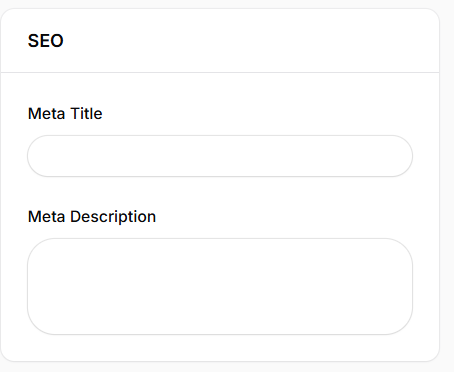
You can also manage the SEO settings for each page, including the meta title and meta description. This helps you create a better experience for your visitors while making it easier for search engines to understand your content.
Your website. Your content. Your control.
With the Openbeauty Website Builder, you don't need to rely on someone else for every small website update.
Create, edit and manage your website pages yourself, all from one simple and intuitive system.