

Logging into the admin panel
Open your salon admin URL and sign in with your email and password.
Open your web browser and go to the Openbeauty login page. Enter your email address and password, then click the “Log in” button.
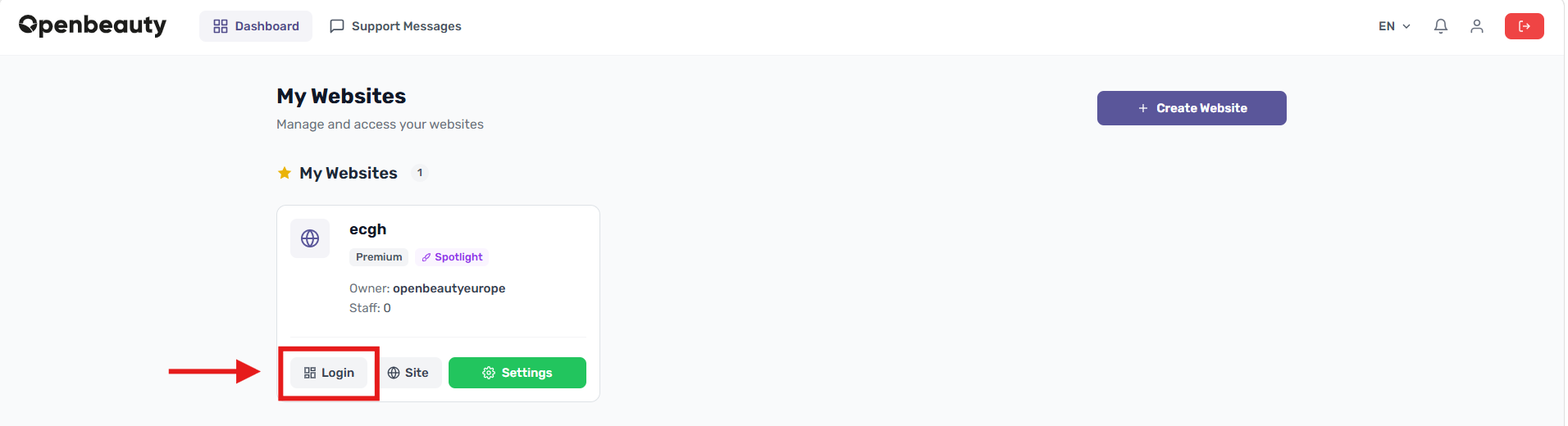
After successfully logging into the main dashboard, you can easily view and manage your appointments, customers, website, and other management tools.
Alternatively, you can go directly to your salon’s management address (for example: salonname.openbeauty.io/admin), enter your email and password, and click “Log In”.
If you have forgotten your password, click on “Forgot Password” to receive a reset link.